User Password Reset
You can reset your password via the “Forgot your password?” link on the login screen.
(Please note when a new account is created, a Welcome email is sent with instructions on how to activate the account. You cannot reset the password on an account that hasn’t been activated. If you need the Welcome email to be resent, please contact support@edensuite.com.au )
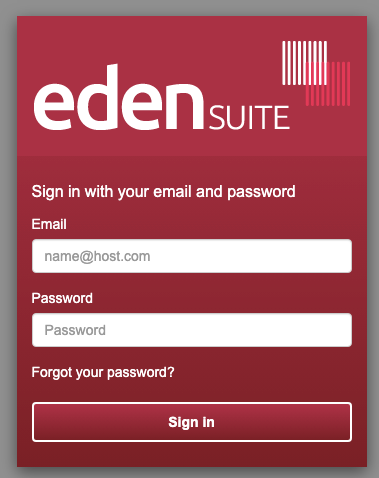 Self Serve Reset Password - 1 - Login Screen
Click the “Forgot your password?” link and you will be prompted to enter your email address.
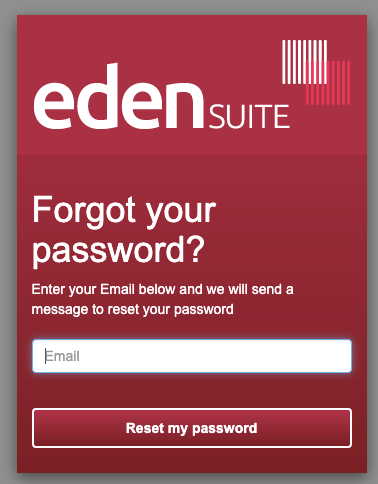 Self Serve Reset Password - 2 - Enter Email
Enter your email address then click the “Reset my password” button.
You will be redirected to a page requiring the entry of a security code and your new password.
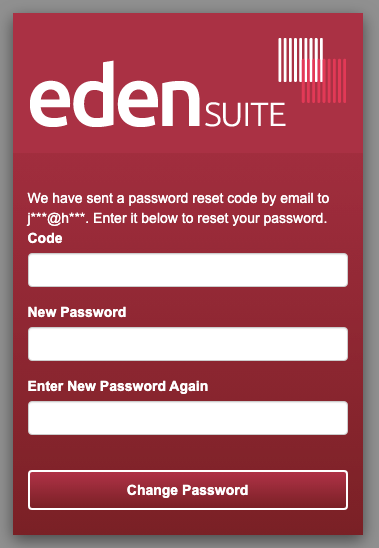 Self Serve Reset Password - 3 - New Password
You should receive the security code via email to the address you specified.
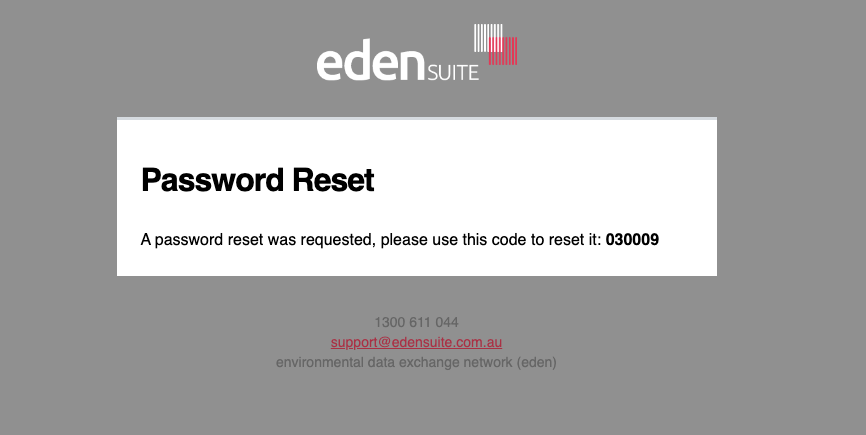 Self Serve Reset Password - 4 - Code to Reset
Enter that code, the new password, and a confirmation of the new password.
If the specified new password meets the security criteria you should see positive confirmation.
Click the “Change Password” button.
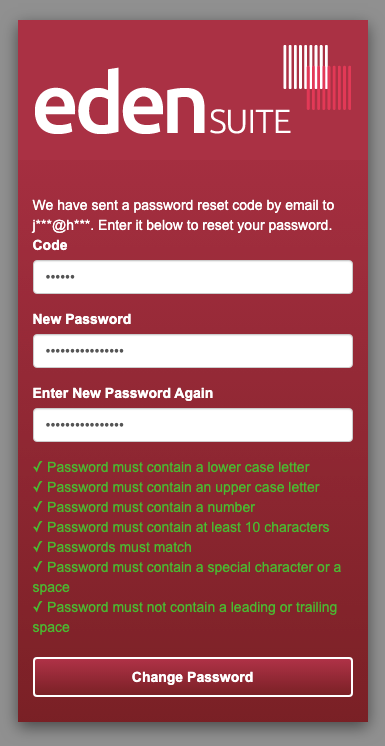 Self Serve Reset Password - 5 - Password Rules